 English
  Norwegian
 How it works
You know what happens.
At every step.
A clear assessment first. A concrete offer before you decide on further work.
Get in touch
Call, email or use the contact form.
Remote diagnosis
For Tesla we review logs and warnings with your authorization.
Delivery or transport
Once the next step is agreed, we arrange delivery or transport.
Targeted repair
We investigate the battery in the workshop and carry out the agreed work.
Test and return
Work is verified before the car is returned, with a warranty on the work performed.
We start by listening
Let us take a closer look at your Tesla.
Start with a free consultation. We review your information and help you take the next step.
Prefer to speak with us?
Enquiries are reviewed between 08:00 and 10:00.
We reply within 24 hours.
Jevnaker. Customers across Norway.
Kirkegata 2, 3520 Jevnaker
Transport can be discussed with your offer.
Diagnosis result and repair offer
Illustrative email · not a real customer case
From: EV Fenix AS <fenix@fenixas.no>
Your remote diagnosis — assessment and next step
Hello,
We have reviewed the available logs following your authorization. Here is our assessment and the proposed next step.
What we found
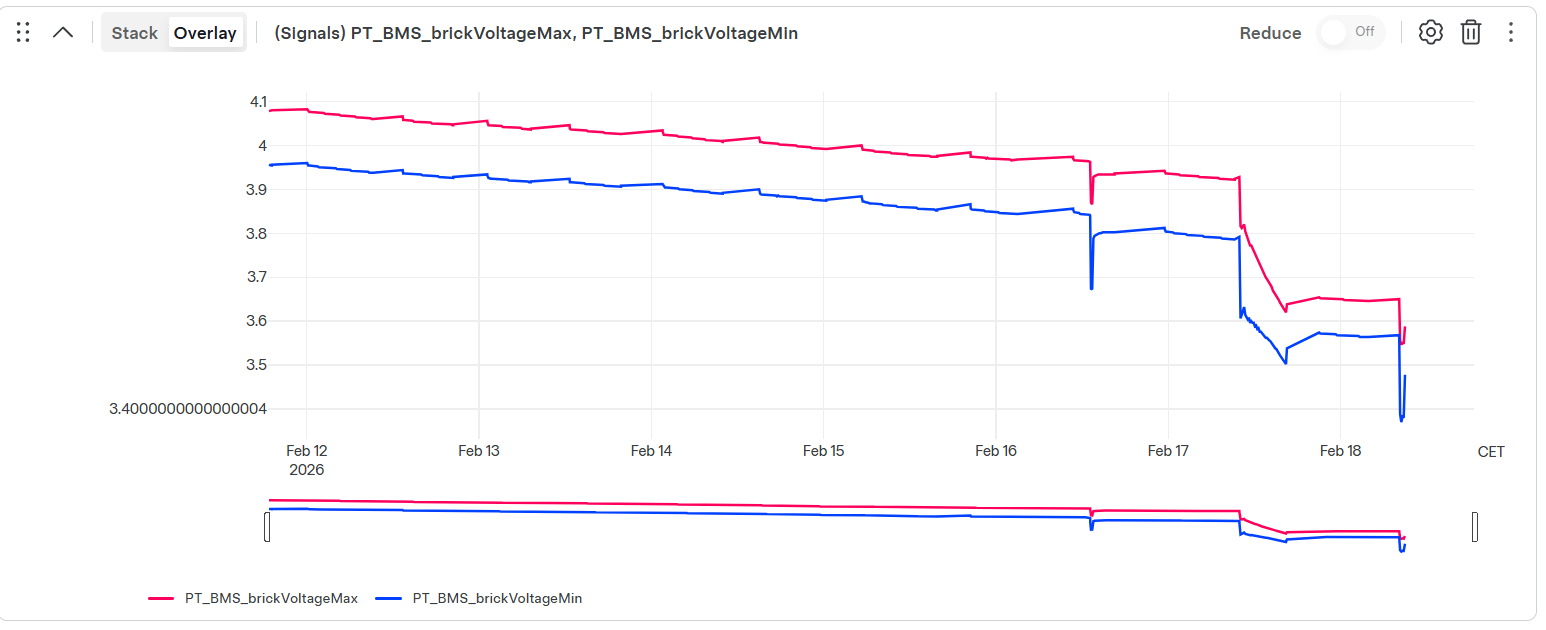
An explanation of relevant warnings and data, with screenshots. We also describe what still needs confirmation.
Recommended next step
A specific description of further diagnosis or repair appropriate to the findings.
Offer
Scope, price, any conditions and warranty terms are set out in the offer for your car. This example does not specify a price.
Your decision
Reply to the email if you would like to proceed. We clarify the work and arrange delivery or transport.
Kind regards
EV Fenix AS
This example shows content and sequence. The workshop supplies findings and prices for the specific case.
Step-by-step picture guide
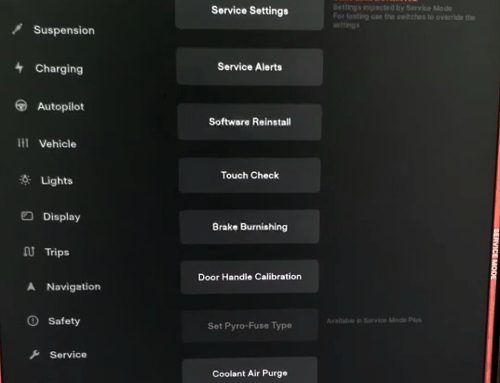
Screenshots are from the original guide. Menus may vary with software version.
Select a picture to enlarge it.
1. Send us your vehicle registration number and the email address you use in the Tesla app. We send you a request through Tesla Toolbox.
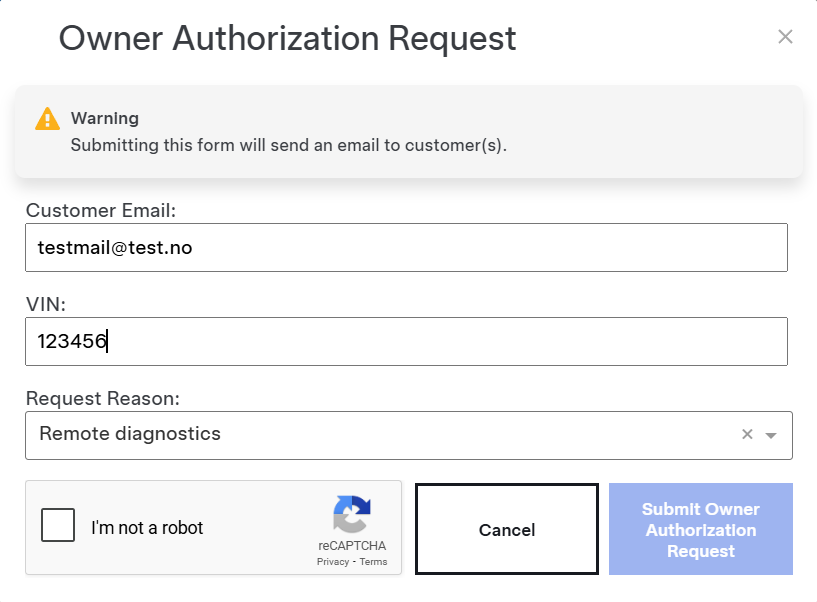
2. The owner receives a Tesla Toolbox email titled “Owner Authorization Request”.
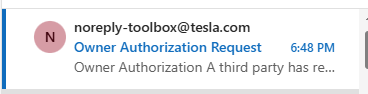
3. Select “Review” in the email to view the request.
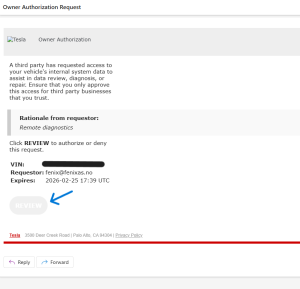
4. Sign in on Tesla’s website using the email address for your Tesla account.
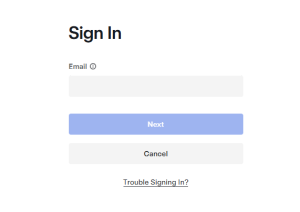
5. Complete sign-in with Tesla. Do not send your password to the workshop.
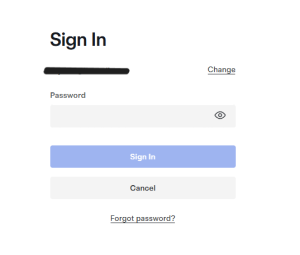
6. The owner can approve or reject the request with Tesla.
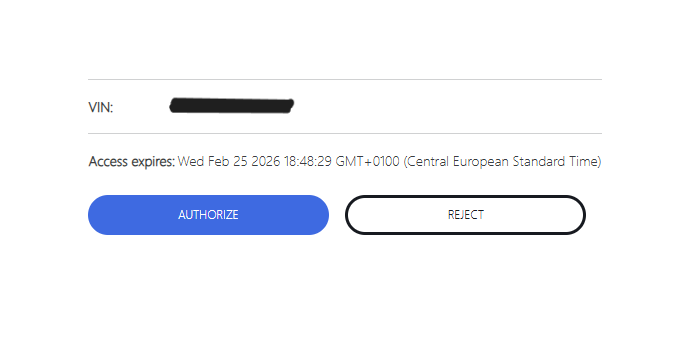
7. The workshop receives confirmation of authorization.
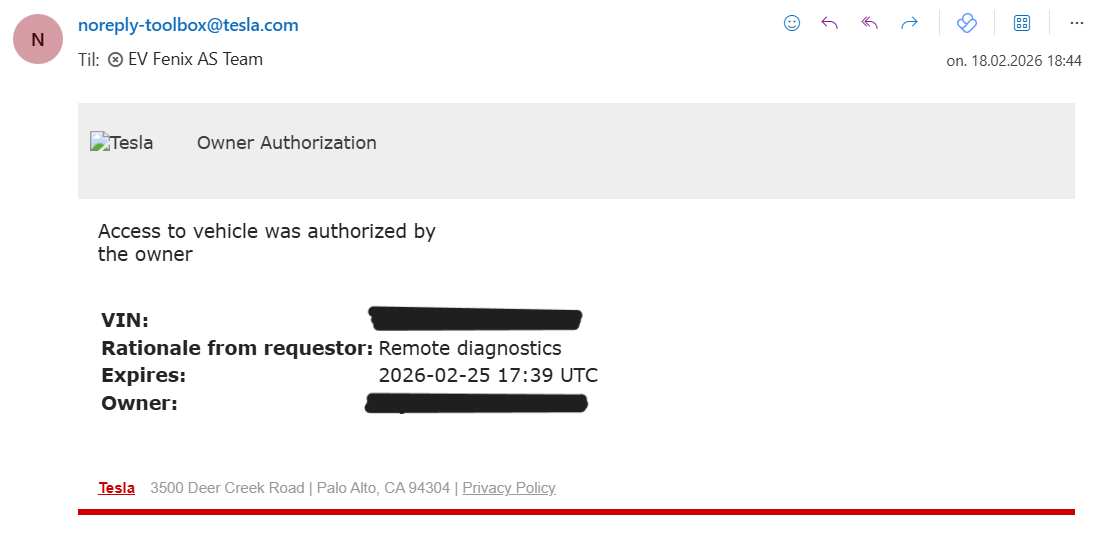
8. Authorization confirmation. The owner also receives confirmation.
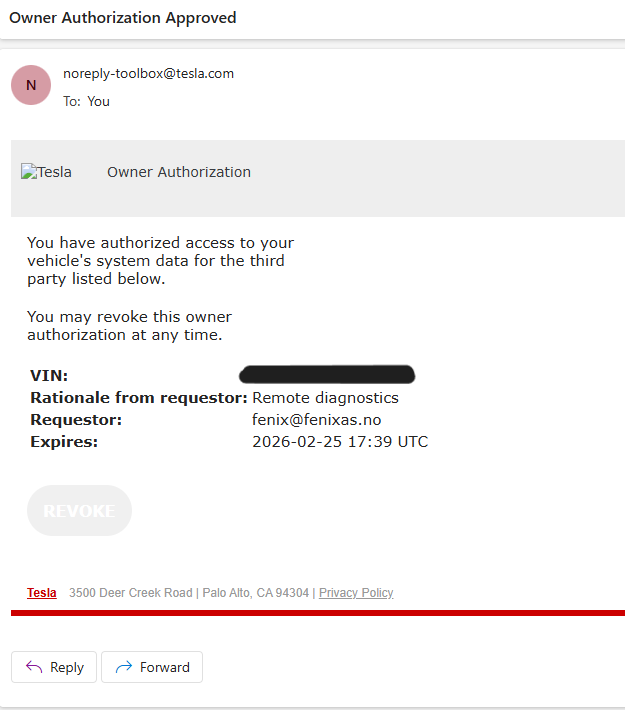
9. After authorization, we retrieve available logs for review.
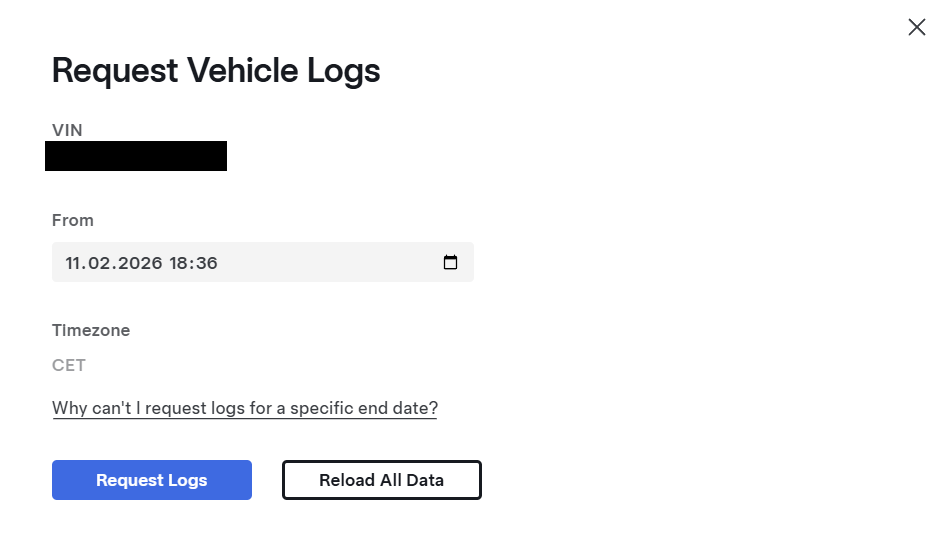
10. Example of signals reviewed during diagnosis. Findings and explanations are emailed with a repair offer where applicable.